
Microsoft Office for Home
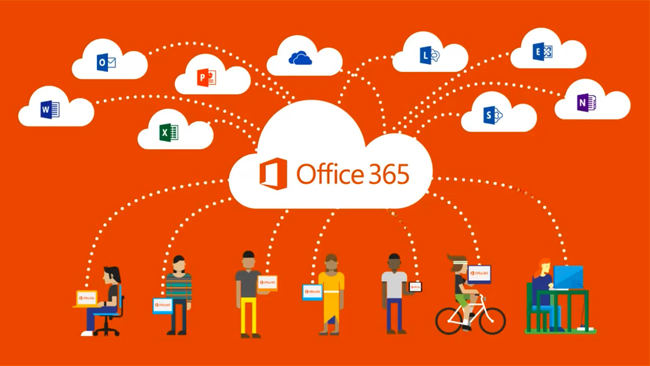
Get Microsoft Office for your devices at home, for free!
Swanmore College is offering Microsoft Office to all students and staff for FREE!
The college has Microsoft Software Licensing which allows it to distribute Microsoft Office via an Office 365 ProPlus agreement.
What is included with Office 365 ProPlus?
- Office for PC
- Office for Mac
- Office for iPhone
- Office for iPad
- Office for Android
- Office for Windows Mobile
How do I get it?
Logon to m365.cloud.microsoft/apps
Your logon will be the same as your logon for the computers in school, followed by @swanmore-sec.hants.sch.uk
Your password will be the same as the password you use for your school PC or Mac/MacBook login.
If you have forgotten your password then please ask your teacher in your ICT lesson or go to the IT Support Office in W12 at break time if you do not take ICT.
For Windows or Mac computers you have the option to either install the Office Apps by using the Install apps link top right, or you use the online Apps.
To install the Apps on a smartphone or tablet, download the individual apps (Microsoft Word, Microsoft Powerpoint etc) from the AppStore (Apple) or Playstore (Android).
Upon launching the apps you will be prompted to login, this must be in the form of your username@swanmore-sec.hants.sch.uk and your usual school network password (not your Google password).
Please note: Using the online version of the app will save documents by default to your online Microsoft Onedrive, not to your device. This means you have access to this document from any device with an internet connection. You have the option to save a copy to your device if you wish.
FAQs
Each Office 365 user account can install Office on up to five computers or devices including Apple, Android and Windows.
Yes, this is a full version of Microsoft Office for Apple, Android and Windows devices. It will still work offline i.e. without being connected to the internet.
You can keep Office 365 for as long as you are a pupil at Swanmore College. Once you are no longer a student at Swanmore College, you will need to purchase a license or subscription directly from Microsoft to continue to use the programs on your devices, or you can uninstall them at that time.
You will still have any files that you created and will be able to open them in any other programs that are capable of opening those file types.